
- Type
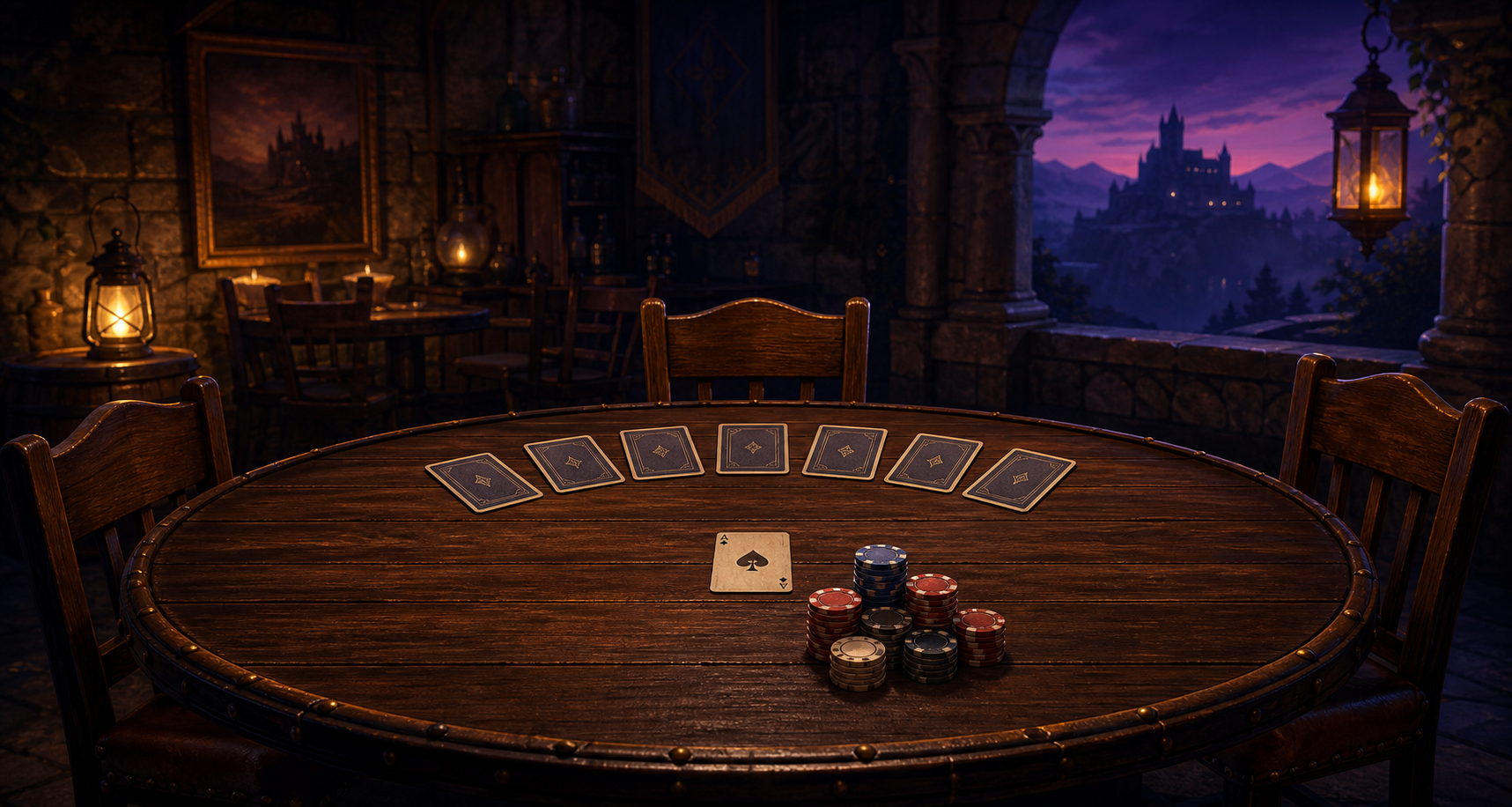
startafter at least two eligible players are seated. Later hands begin automatically after a short break. - Each active player receives seven face-down cards. Every seated player pays the ante, including a player who is away.
- The starter card is turned up. It is only the opening hand to beat; it is not part of anyone's hand.
- The current challenger turns cards until their visible hand strictly beats the leader.
- A tie does not take the lead. Turn another card if one remains.
- When a player takes the lead, a betting round begins. The next challenger then tries to beat that visible hand.
- A player who reveals all seven cards without taking the lead is out of that hand. If more than one opponent remains, another betting round is offered before the next challenger turns a card. The last active leader wins the pot.
Rules and help
Seven Card No Peek.
A poker home game built around suspense. Every player receives seven face-down cards and cannot look at them.
How a hand works
Hand rankings
Normal high-poker rankings apply: royal flush, straight flush, four of a kind, full house, flush, straight, three of a kind, two pair, one pair, then high card. Straights and flushes require five cards. Standard kickers break ties; suits never do.
Important limits
There are no wild cards and no kill-card rule. Matching the starter card's rank does not force a fold. You may never look at a face-down card.
Controls
At the table, type help and press Enter for the current complete command list. Core commands are start, turn, c to check or call, b amount, r amount, all-in, f to fold, hand, leader, time 60, time 40, time 25, and say message. The default turn time is 60 seconds and may be changed between hands or while the table is paused.
Installed-client keyboard shortcuts
Single-key shortcuts work when the command box is empty. Alt-key shortcuts work from anywhere in the table window:
Up ArrowandDown Arrow: review game activity one line at a time while Command is empty.Alt+C: return focus to Command from anywhere in the table window.1through7: read the corresponding card, including whether it is face down.H: read your visible-hand strength.A: read your chips.D: read the seated players, dealer position, and first player to turn.P: read the pot.T: name the player whose turn it is.C: check or call.F: fold.M: bet the pot when no bet exists, or raise by the current pot after a bet.Alt+A: go away or return.Alt+P: pause or resume when table controls allow it.L: read the current leader.Alt+T: turn your next card.Alt+M: go all in.Alt+J: switch between a seat and the observation deck. A seated player may switch between hands.
Use the Help button or begin a longer command with a slash when its first letter is an immediate shortcut, such as /help, /hand, /away, or /time 60.
Select Observe in the lobby to enter a table's observation deck without taking a seat or buying in. Observers receive public game activity but never receive anyone's hidden cards. Observers may type say message to speak to the table and say history to read recent chat. The installed client's complete table window is an accessible application, so the game keys do not require screen-reader mode changes. Up or Down Arrow reviews activity while Command is empty; press Alt+C to return to Command.